
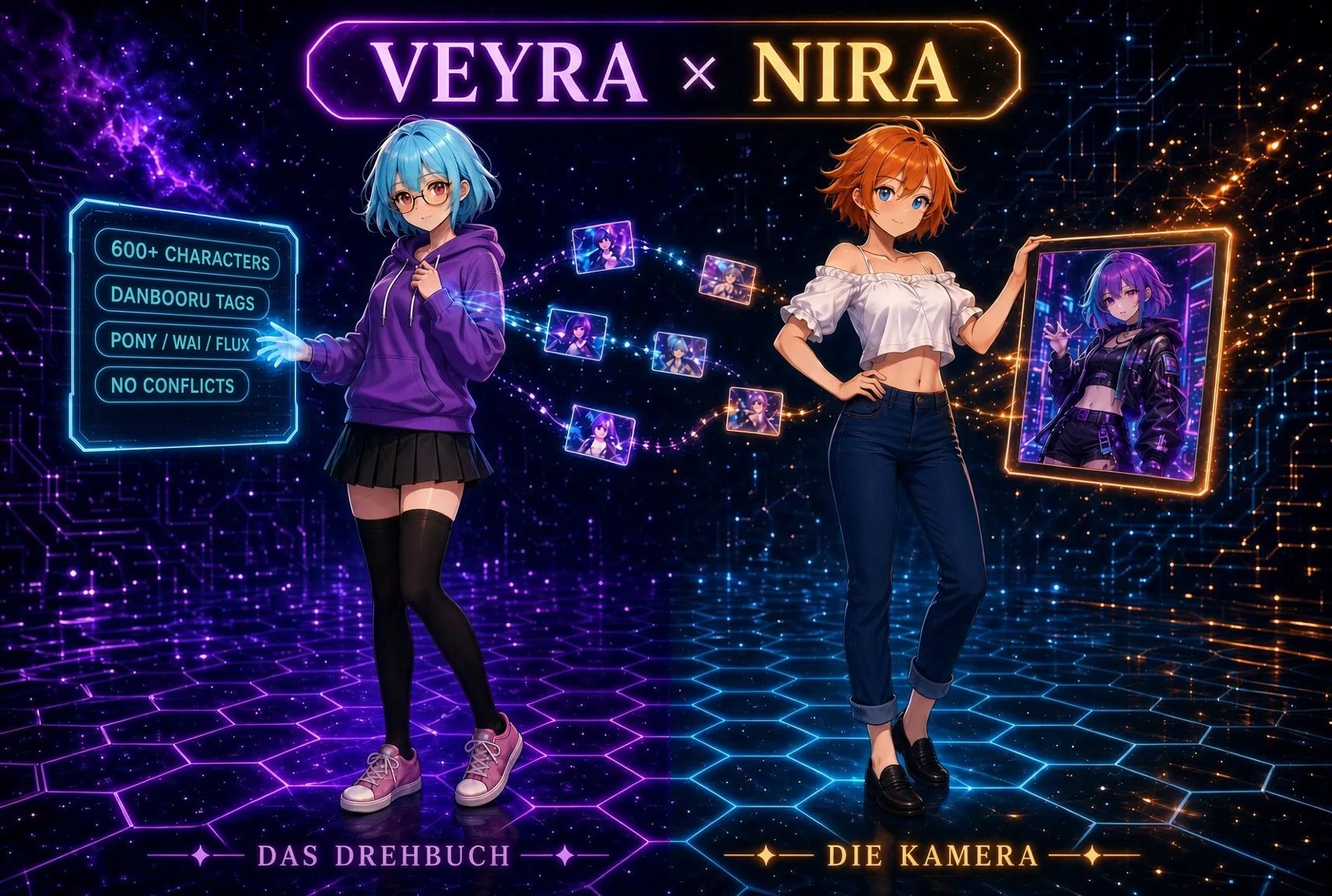
Nira runs Stable Diffusion for you, from the first image to a whole series overnight. She sets it up, picks the right settings and paints. You only choose what you want to see. Perfect for beginners.
6fb093e5b57482136610bff8f4d0748d97fa1bc9c2bad5e34ec116149464ed69Windows (Beta)7ba18d70e3fb336adfbac84183af36b723e54d378b17f39246cb5af4359eb8d5Every package is signed with minisign. If you did not get Nira from this page, you can use it to check that the file really comes from Frieren Byte and has not been changed.
Signature macOSSignature Windows (Beta)Public key
KeyRWR+BeDtxN2N6Ss/loSSV41dO4o365g2SyStJWm+1uTqawK3/X7nD4PE
Check (put the signature next to the ZIP)minisign -Vm nira_1.5.12_macos.zip -P RWR+BeDtxN2N6Ss/loSSV41dO4o365g2SyStJWm+1uTqawK3/X7nD4PE
If it says Signature and comment signature verified, everything is fine. Any other message means: do not install.
Free · German and English
Stable Diffusion is powerful, but for beginners it is a mountain of installation, models and settings. Nira takes almost all of it off your hands.
| Task | Without Nira | With Nira |
|---|---|---|
| Setup | Read guides, Git, Python, command line | Nira checks your computer and installs Stable Diffusion on a click |
| The right model | Guess what your graphics card can handle | Nira measures your graphics card and recommends model, image size and starting values |
| Settings | Work out sampler, steps and CFG yourself | Come straight from Veyra, matched to your model |
| Prompt | Hunt down the tags yourself | Veyra builds it, Nira picks it up |
| Many images | Start every image by hand | Series, auto mode and overnight schedule |
| Finding images | Click through folders | Gallery with prompt search, filters and favorites |
| When something hangs | Notice it yourself and restart | Nira aborts a stuck image and keeps your computer awake during a job |
Click a subject together, or let Veyra roll one in auto mode.
Matched to your model, with negative prompt and settings.
She starts Stable Diffusion, sends the job and waits for the image.
Sorted, with its prompt, upscaled if you want.
Stable Diffusion stays the engine; Nira replaces its interface for everyday use. For these things you still open the WebUI:
Nira installs and changes nothing without asking. She shows every change first and keeps a backup copy.
Deleting moves images to the trash; Nira never deletes for good. Your originals stay untouched when upscaling.
Nira runs only on your computer. Other devices reach her only if you switch on phone access yourself.
If something gets stuck, Nira creates an error report, with keys and passwords blacked out.
start_nira.bat, on a Mac start_nira.command. The first time, Nira sets herself up for a few minutes.start_nira.command and choose “Open”. On newer macOS versions, click “Open Anyway” under System Settings → Privacy & Security.
Windows: if Windows shows a warning, click “More info” and then “Run anyway”.
--api), with a backup of your file.models/Stable-diffusion folder. Setup tells you which one fits your computer.Download for free, unzip, start. Nira explains the rest.
Nira is free, for private and business use. The license is included in the package (LICENSE.txt). By Frieren Byte.